

How to Print Your Artwork
Bring your Casa Sur artwork to life in just a few simple steps. Download your files, choose your preferred printing method, and create a piece that feels at home in your space.
5 JPG files · 300 DPI · sRGB · Bilingual printing guide
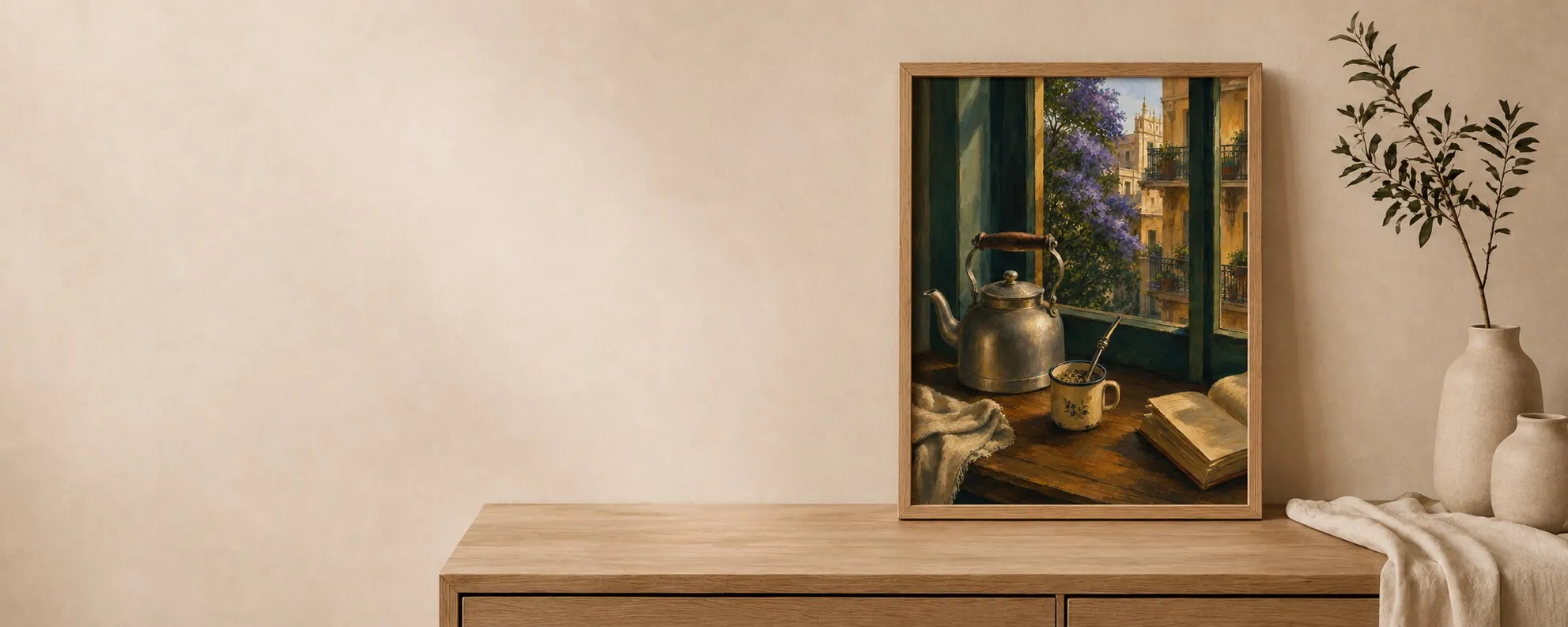
From download to wall
Download
Your purchase includes five high-quality JPG files, each prepared at 300 DPI with an embedded sRGB profile.
Choose
Choose the file that matches your final print ratio to avoid unexpected cropping.
Print
Home printing: select actual size or 100% scale. Turn off ‘fit to page’ if it changes the artwork ratio.
Frame
A frame can completely transform the finished piece.
Three printing methods

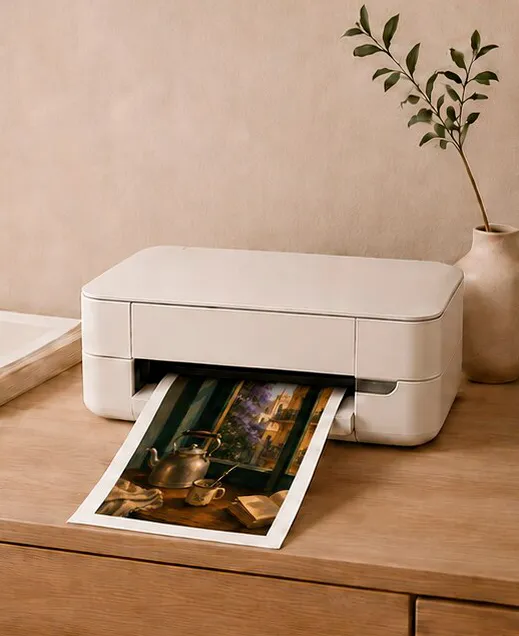
Print at Home
Smaller sizes
A convenient option for smaller sizes. For the best results, use high-quality paper, select your printer’s highest-quality setting, and make sure you are using the correct file for your chosen paper size.
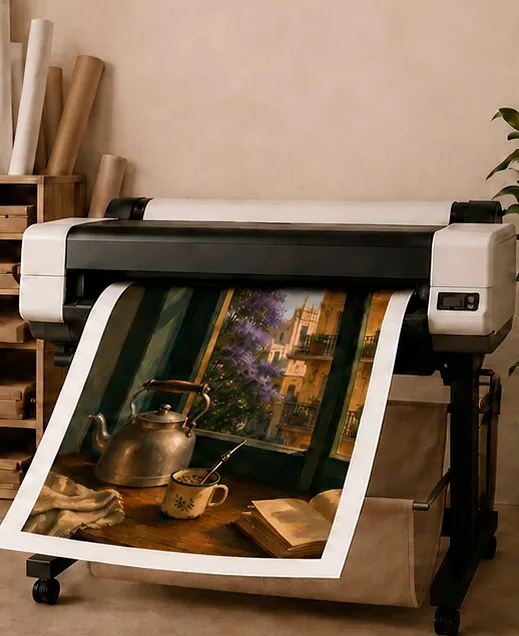
Visit a Local Print Shop
Larger formats
For larger formats and professional results, take your files to a local print or photography shop. Let them know your preferred size, paper, and finish. We recommend asking for a test print when possible.
Use an Online Printing Service
Delivered to your door
Upload your files to an online printing service and have the finished artwork delivered to your door. Before ordering, confirm the required file format, dimensions, paper options, and delivery times.
Paper library
For a timeless, gallery-inspired finish, we recommend:
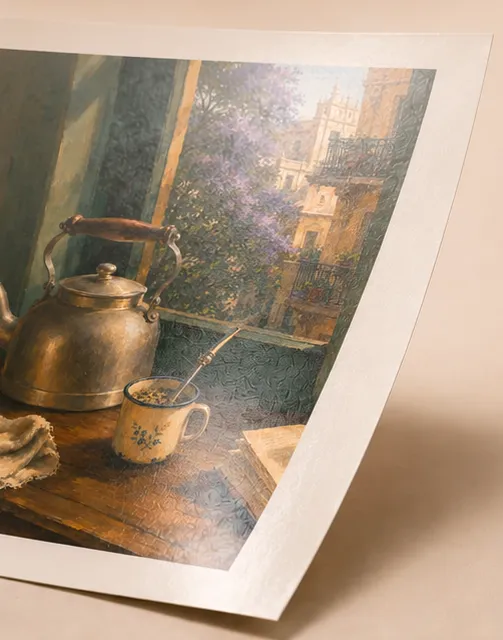
Matte
Recommended · 200–300 gsm · Minimal glare
Matte paper for a soft, elegant appearance with minimal glare. Heavyweight paper between 200 and 300 gsm for greater durability.
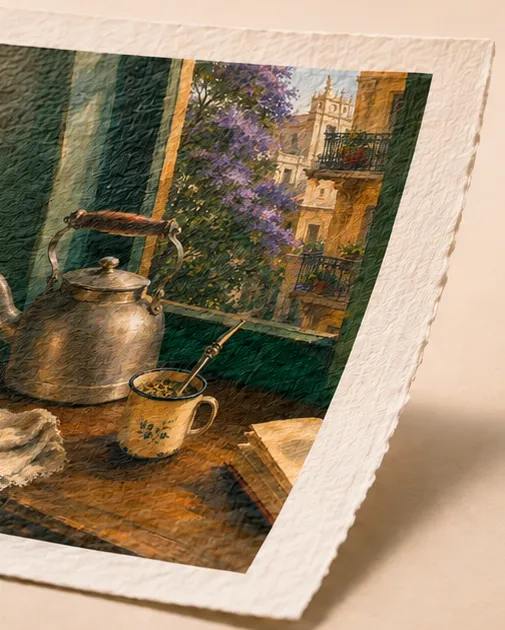
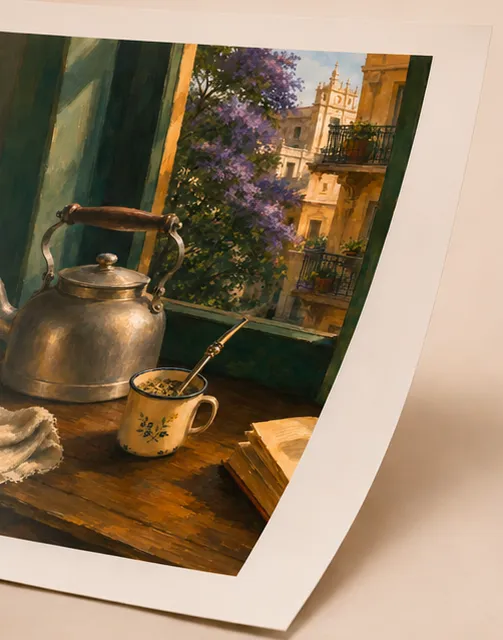
Fine art / textured
Recommended · Archival · Deckled texture
Fine art or archival paper for richer texture and premium quality.
Glossy
Vivid colour · Reflective
Glossy paper can produce more vibrant colors, but it may create reflections.
For most Casa Sur artwork, we prefer a matte or lightly textured finish.
Find your file and ratio
Your purchase includes digital files prepared for specific sizes or aspect ratios. Check the product description or the instructions included with your download to find the correct file for your desired print size.
When ordering your print:
- Select the file that matches your chosen dimensions.
- Avoid stretching or distorting the artwork.
- Choose ‘no crop’ when you want to preserve the full composition.
- If you add a border or mat, account for it when selecting the frame size.
If you are unsure which file to use, contact us before printing—we’ll be happy to help.
2:3
- File
- 4000 × 6000 px
- At 300 PPI
- 13.3 × 20 in
- Sizes
- 4×6 in ·8×12 in ·12×18 in ·16×24 in
3:4
- File
- 4500 × 6000 px
- At 300 PPI
- 15 × 20 in
- Sizes
- 6×8 in ·9×12 in ·12×16 in ·15×20 in ·18×24 in
4:5
- File
- 4800 × 6000 px
- At 300 PPI
- 16 × 20 in
- Sizes
- 4×5 in ·8×10 in ·12×15 in ·16×20 in
11:14
- File
- 4714 × 6000 px
- At 300 PPI
- 15.7 × 20 in
- Sizes
- 11×14 in
ISO A
- File
- 4961 × 7016 px
- At 300 PPI
- A2 · 42 × 59.4 cm
- Sizes
- A5 ·A4 ·A3 ·A2
| Ratio | File (px) | Full size at 300 PPI | Printable sizes |
|---|---|---|---|
| 2:3 | 4000 × 6000 | 13.3 × 20 in | 4×6 in ·8×12 in ·12×18 in ·16×24 in |
| 3:4 | 4500 × 6000 | 15 × 20 in | 6×8 in ·9×12 in ·12×16 in ·15×20 in ·18×24 in |
| 4:5 | 4800 × 6000 | 16 × 20 in | 4×5 in ·8×10 in ·12×15 in ·16×20 in |
| 11:14 | 4714 × 6000 | 15.7 × 20 in | 11×14 in |
| ISO A | 4961 × 7016 | A2 · 42 × 59.4 cm | A5 ·A4 ·A3 ·A2 |
Files are prepared at 300 DPI. The largest sizes print from the same pixels at a slightly lower effective resolution: about 250 PPI at 16×24 in (2:3) and 18×24 in (3:4). Every other listed size prints at 300 PPI or more.
Print quality and color
Choose the highest print-quality setting available. Professional printing is recommended for larger sizes and the best color reproduction.
Please keep in mind that colors may vary slightly between your screen and the final print. Screen brightness, monitor settings, printer calibration, ink, and paper can all influence the result.
For the most accurate outcome, ask your print shop to avoid automatic color corrections unless needed and request a small proof before printing a large format.
Framing notes
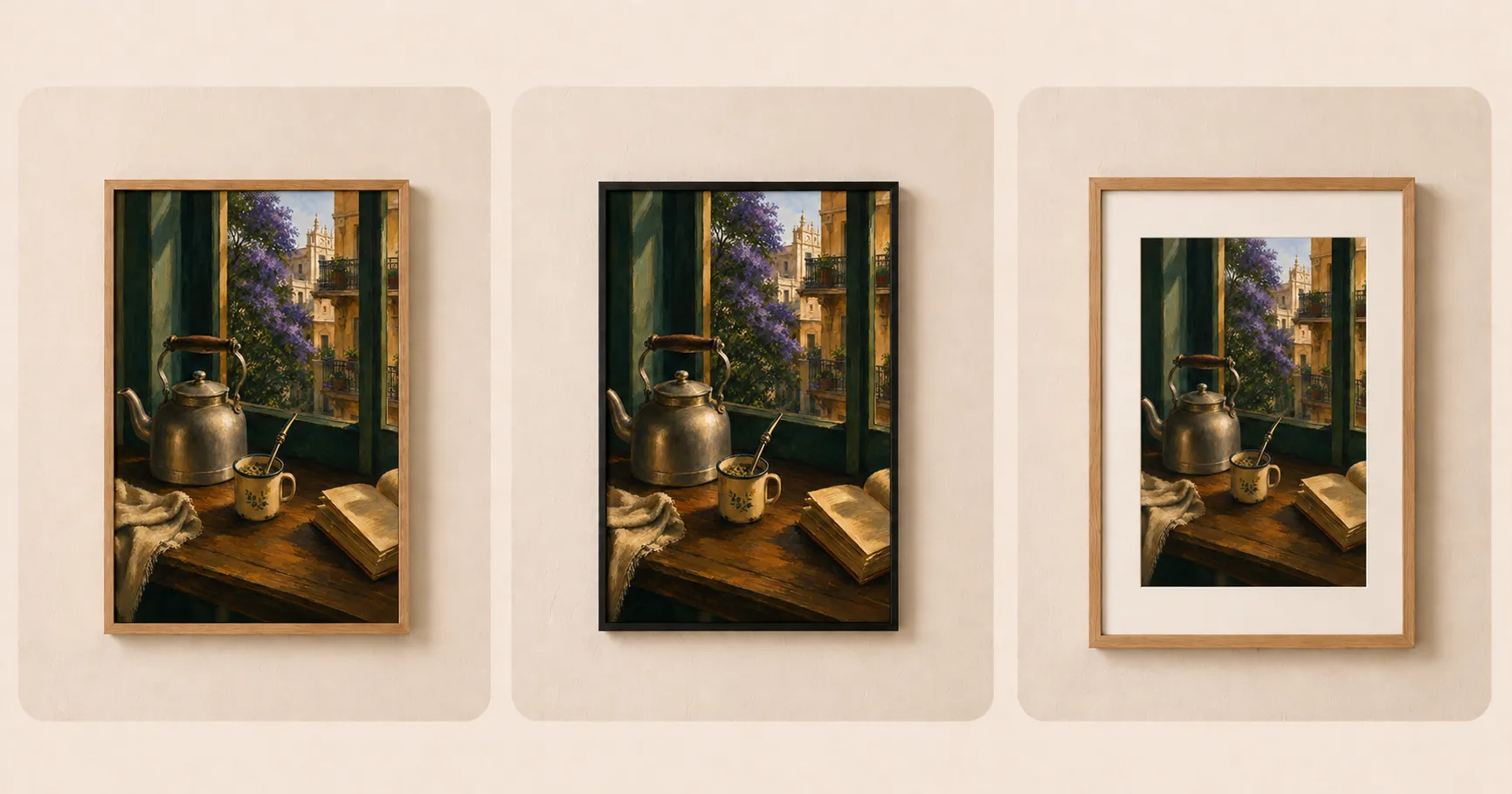
A frame can completely transform the finished piece. Natural wood frames create a warm, organic look, while black frames offer a clean and contemporary contrast.
For an elevated, gallery-style presentation, consider adding a white or warm-neutral mat. Non-glare or anti-reflective glass can also help preserve the artwork’s appearance in bright rooms.
Natural wood · Black · White or warm mat · Non-glare glass
This is a digital product. No physical item will be shipped. Download files do not include frames or mockups.
FAQ
Will I receive a physical product?
No. Casa Sur digital prints are downloadable files. No physical product or frame will be shipped.
Where can I find my files?
Your files will be available after completing your purchase. Please follow the download instructions provided with your order.
Can I resize the artwork?
We recommend printing only in the sizes or aspect ratios specified with your purchase. Changing the proportions may crop or distort the artwork.
Can I print the artwork more than once?
Your purchase is intended for personal use. You may print the artwork for your own home or as a personal gift, but the files and printed artwork may not be resold, shared, or used commercially.
Do you provide frames or printing services?
Unless stated otherwise in the product description, frames and printing services are not included.
Explore the collections
Every artwork includes all five ratios and this guide in English and Spanish.